How to use the system
The SID+ co-designer helps shape courses, exercises, and curricula in
Sustainable Interaction Design. The system responds with an output grounded in real scientific work, course
presentations, course assignments, and student work - without
prescribing a particular teaching approach or assuming what your students are capable of.
-
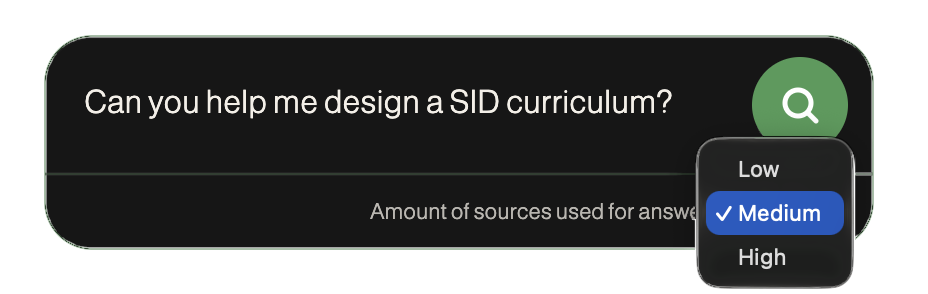 Write a prompt.
The co-designer will use your prompt to
generate a response based on the available sources.
Whether you want help to design a course, an assignment, or just brainstorm ideas within the field of
Sustainable Interaction Design, the system will give an
output and link the relevant sources.
Choose the amount of sources to use for the answer from the dropdown below the prompt box.
A higher number of sources will give a more comprehensive answer but cost more resources.
-
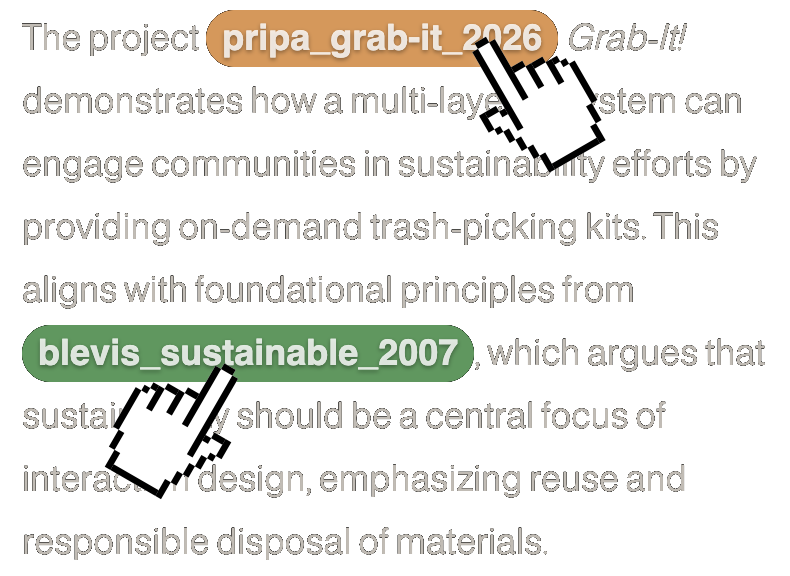 Follow the citations.
In the model output, resources from the
list
are highlighted with green
and student work highlighted with yellow. Click these citations to view the corresponding source in the
sidebar.
-
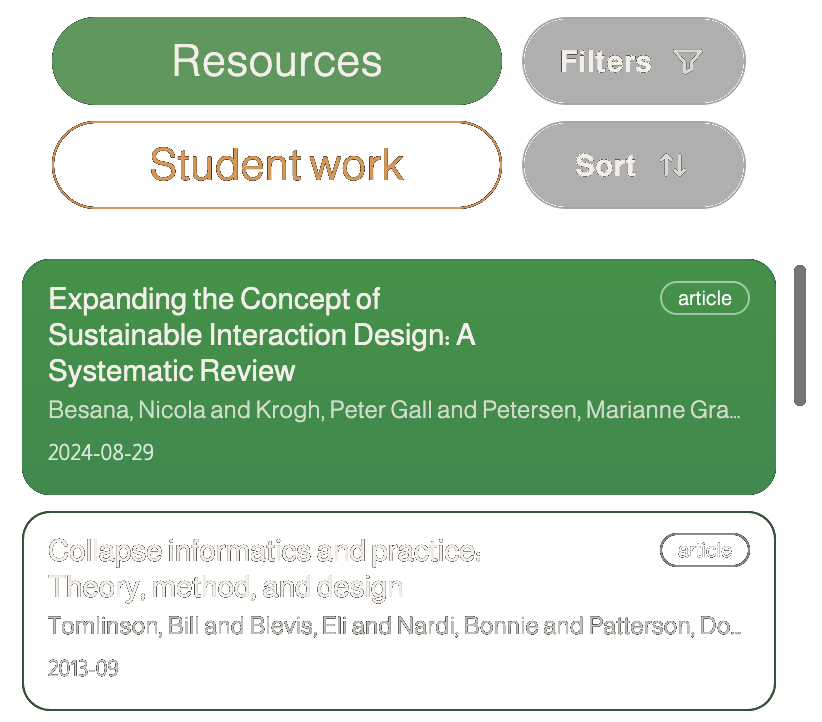 Browse the library of resources and student work.
Switch
between a list of Resources
and Student work at the top of the sidebar. Use the filter controls to narrow down
the library and the sort controls to change the order of the resources/ student work
list.
-
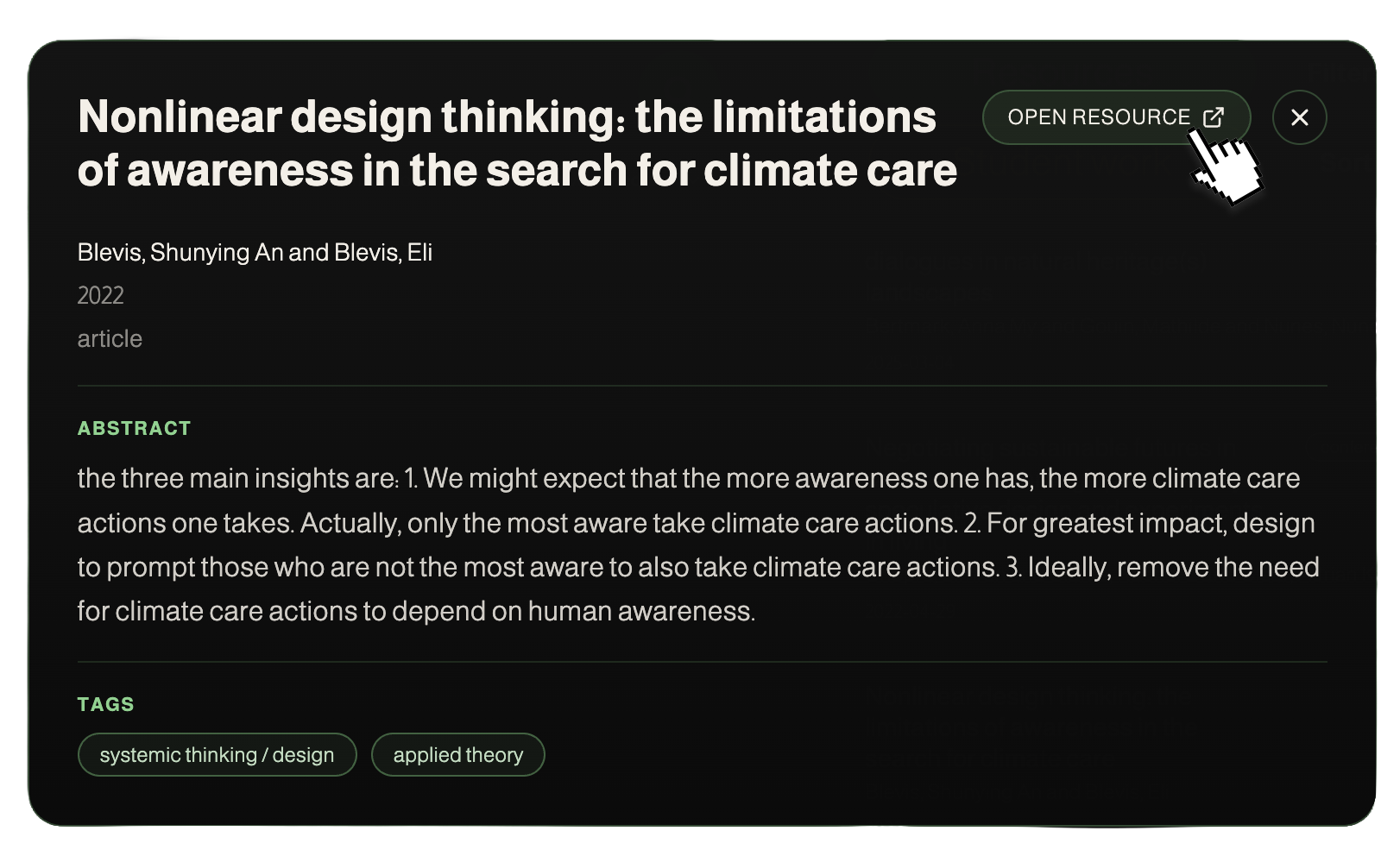 Open a resource or student work.
Click the card in the library
to
get more information, including the full abstract and tags. If a link to the resource is available, click
'Open resource' to view it in a new tab.
-
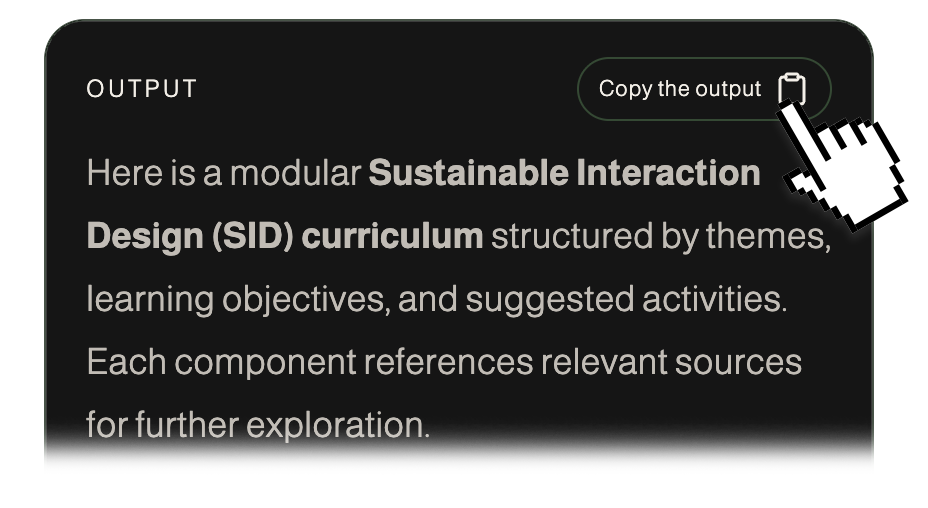 Copy the output and refine it.
The co-designer will not
remember the provided promts or generated outputs.
Outputs are designed to be copied and further refined by the user.
 sustainableixd.com